> ## Documentation Index
> Fetch the complete documentation index at: https://docs.fintoc.com/llms.txt
> Use this file to discover all available pages before exploring further.
# Get your Fintoc account's Secret Key and Public Key
**Warning**
Your Secret Key should **never** be sent to the frontend. Fintoc endpoints should be accessed through a backend, so that your Secret Key never comes in direct contact with the client.
To be able to use the Fintoc API, you need to have your Secret Key at hand. To instantiate the Fintoc widget, you need to have your Public Key at hand. If you need to retrieve any of these API Keys, head over to [the dashboard](https://dashboard.fintoc.com/).
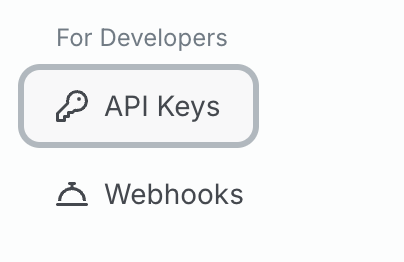
Once in the dashboard, click on the button to go to your API Keys page:
 Notice that, by *default*, you are seeing the *Live* mode. You can also see the *Test* mode by using the *mode* toggle:
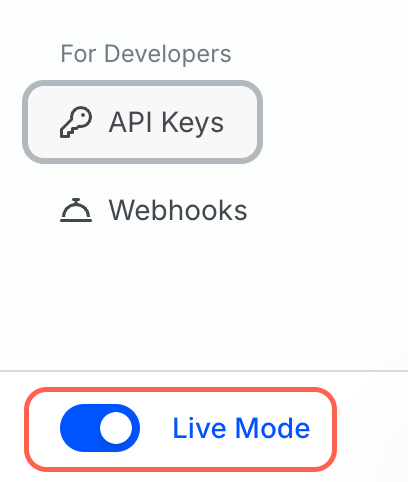 If you are using the [test environment](/v2023-11-15/docs/resources/test-mode), you should use the API keys shown in the *Test* mode. Otherwise, you should use the API shown in the *Live* mode.
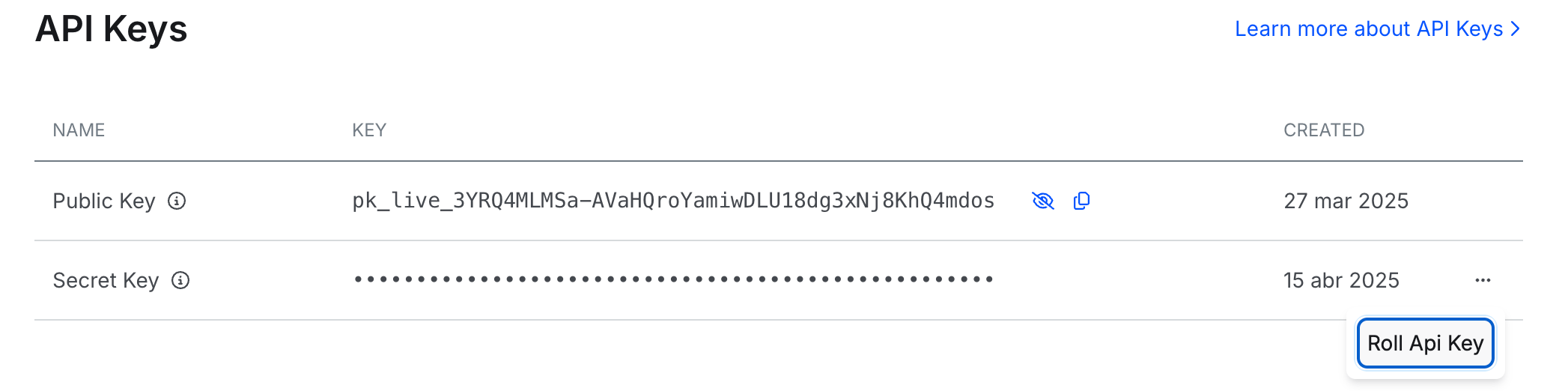
You can see your API keys by pressing the little *eye* button beside them:
If you are using the [test environment](/v2023-11-15/docs/resources/test-mode), you should use the API keys shown in the *Test* mode. Otherwise, you should use the API shown in the *Live* mode.
You can see your API keys by pressing the little *eye* button beside them:
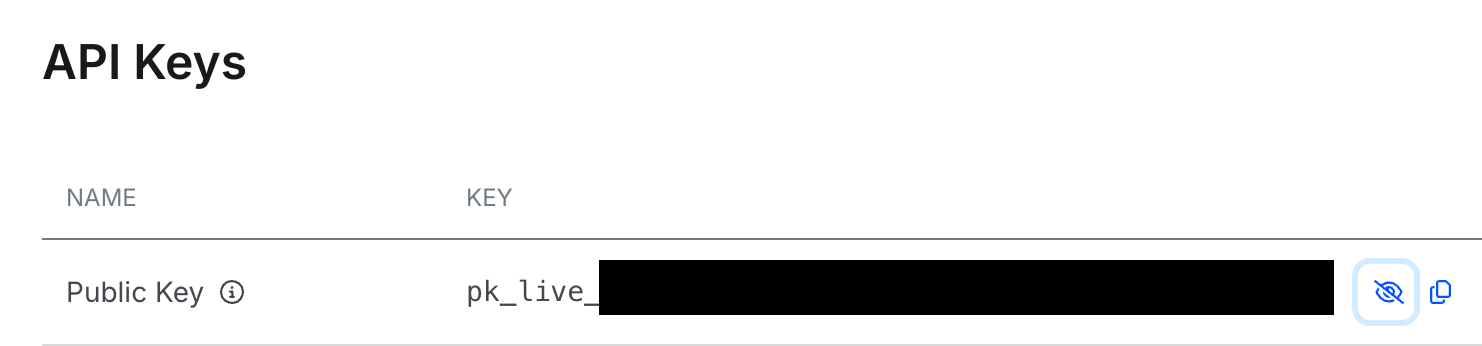 Notice that some of the API keys start with `sk_` and others start with `pk_`. The API keys that start with `sk_` are the Secret Keys, and the API keys that start with `pk_` are the Public Keys.
**You can only access your secret API Keys for Live Mode once**
You will only be able to copy and see your API Key when you activate or rotate it. Make sure to store them securely in your backend.
You can access both your public and secret key for test mode whenever you want, using the *eye* or *copy* buttons.
For live mode, the public key can always be accessed, but the secret key is only displayed when activating or rotating the key, so make sure to store it securely in your back end when revealed
Notice that some of the API keys start with `sk_` and others start with `pk_`. The API keys that start with `sk_` are the Secret Keys, and the API keys that start with `pk_` are the Public Keys.
**You can only access your secret API Keys for Live Mode once**
You will only be able to copy and see your API Key when you activate or rotate it. Make sure to store them securely in your backend.
You can access both your public and secret key for test mode whenever you want, using the *eye* or *copy* buttons.
For live mode, the public key can always be accessed, but the secret key is only displayed when activating or rotating the key, so make sure to store it securely in your back end when revealed
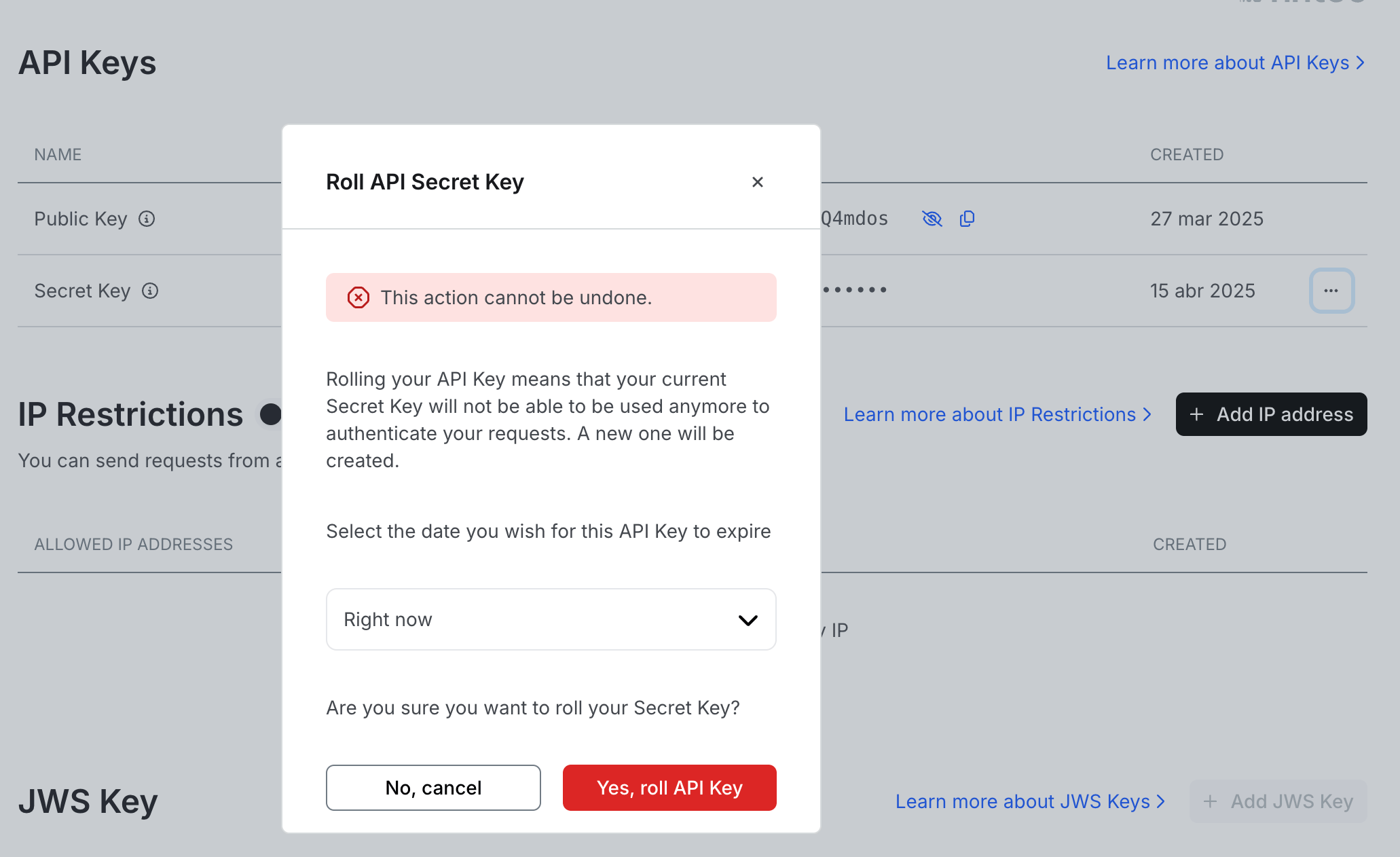
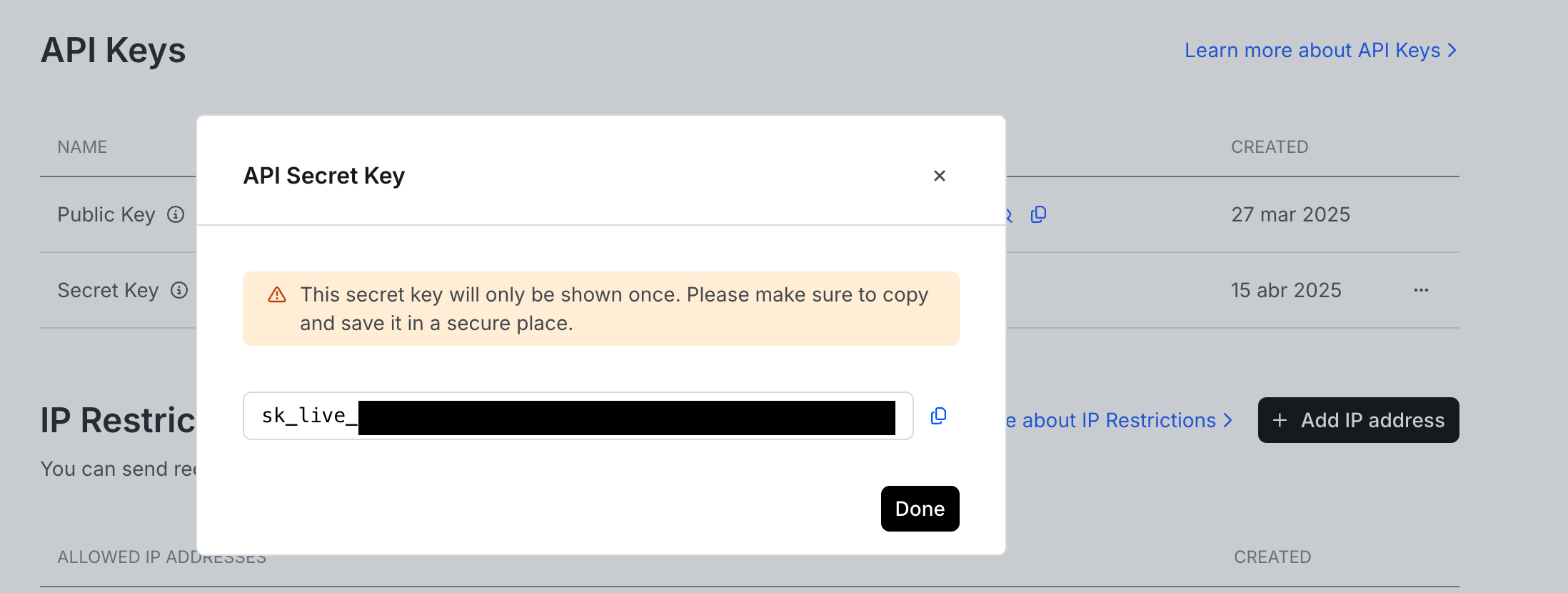 We recomend you rotate your live secret key at least once per year. To do this, access the API Keys section and click on the 3 dots on the right side of the table. You can schedule the rotation date or execute it immediately: