> ## Documentation Index
> Fetch the complete documentation index at: https://docs.fintoc.com/llms.txt
> Use this file to discover all available pages before exploring further.
# Widget
> >-
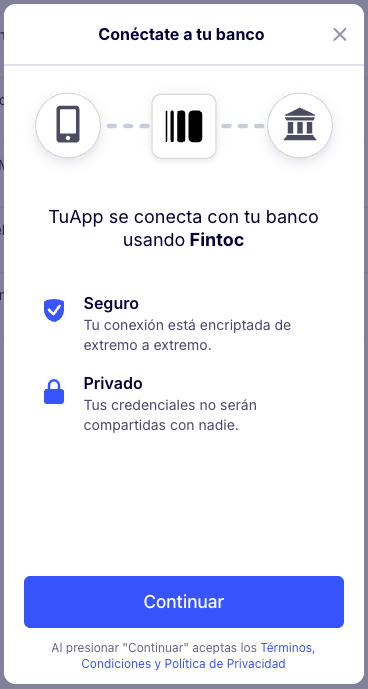 The Fintoc Widget is the component your users will use to interact with their financial institution to make a payment or connect their bank account with Fintoc.
The Widget handles the validation of credentials, multiple-factor authentication and error handling for each financial institution we support. You can use the Widget in web applications as well as in mobile applications.
The Fintoc Widget is the component your users will use to interact with their financial institution to make a payment or connect their bank account with Fintoc.
The Widget handles the validation of credentials, multiple-factor authentication and error handling for each financial institution we support. You can use the Widget in web applications as well as in mobile applications.