 The Fintoc Widget lets your users make a payment or connect a bank account through their financial institution.
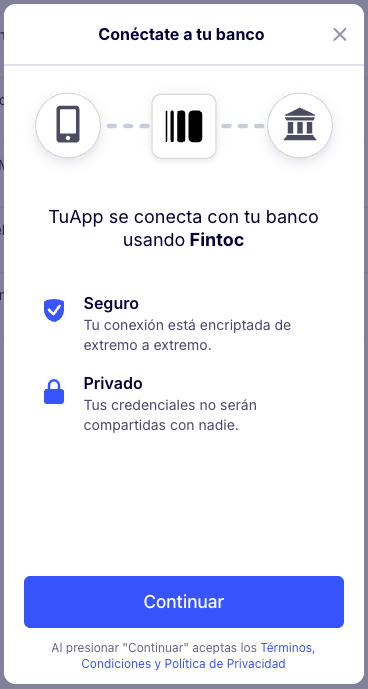
The Widget handles credential validation, multi-factor authentication, and errors for each supported financial institution. You can use the Widget in web and mobile applications.
The Fintoc Widget lets your users make a payment or connect a bank account through their financial institution.
The Widget handles credential validation, multi-factor authentication, and errors for each supported financial institution. You can use the Widget in web and mobile applications.