

llms.txt access to the documentation, and the Fintoc command-line interface (CLI). Fintoc also provides two Model Context Protocol (MCP) servers and a set of Agent Skills.
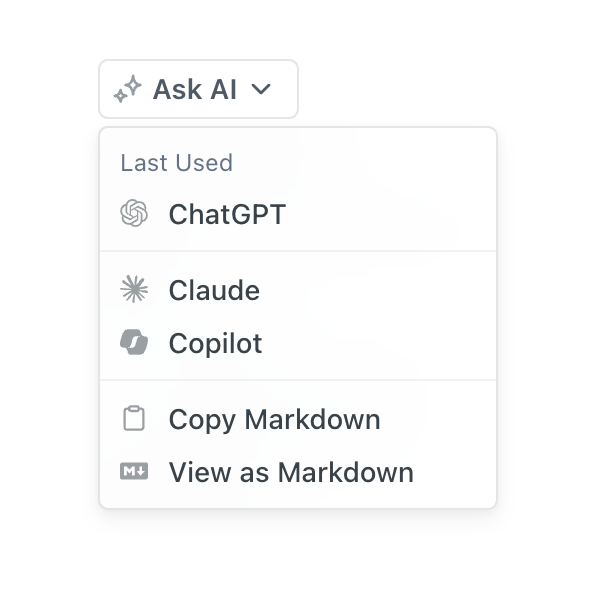
Ask AI dropdown
Plain text docs
You can also use the Ask AI dropdown to copy any documentation page as Markdown. You can then paste the page into other AI tools, code editors, or documents while preserving the page’s formatting. This format helps AI tools and agents consume Fintoc’s content. Plain text also lets you copy an entire documentation page into a large language model (LLM). Use plain text instead of scraping or copying Fintoc’s HTML and JavaScript-rendered pages because:- Plain text strips HTML and JavaScript wrappers, reducing rendering overhead and context-window usage.
- The plain-text version includes content the default view hides, such as text inside a tab.
- LLMs can parse and understand Markdown hierarchy.
llms.txt
Fintoc also hosts an /llms.txt file that tells AI agents how to retrieve the plain-text versions of Fintoc’s pages. The /llms.txt file is an emerging standard for making websites and content more accessible to LLMs.
Fintoc CLI
AI agents such as Claude Code, Cursor, and Codex can drive the Fintoc CLI directly. You can use the Fintoc CLI to make API requests and listen to webhooks from the command line.MCP servers
The Fintoc MCP servers let AI agents interact with the Fintoc API and search Fintoc’s knowledge base, including the documentation.Agent Skills
Fintoc’s Agent Skills give coding agents such as Claude Code and Cursor context and best practices for building with Fintoc. Install the skills withnpx skills add fintoc-com/agent-skills.