

Make sure your integration supports backwards-compatible changesWe constantly make backwards-compatible changes to our API to add new features. Make sure your integration can support such changes once you go live. For more information, read our guide on Changes to the API.
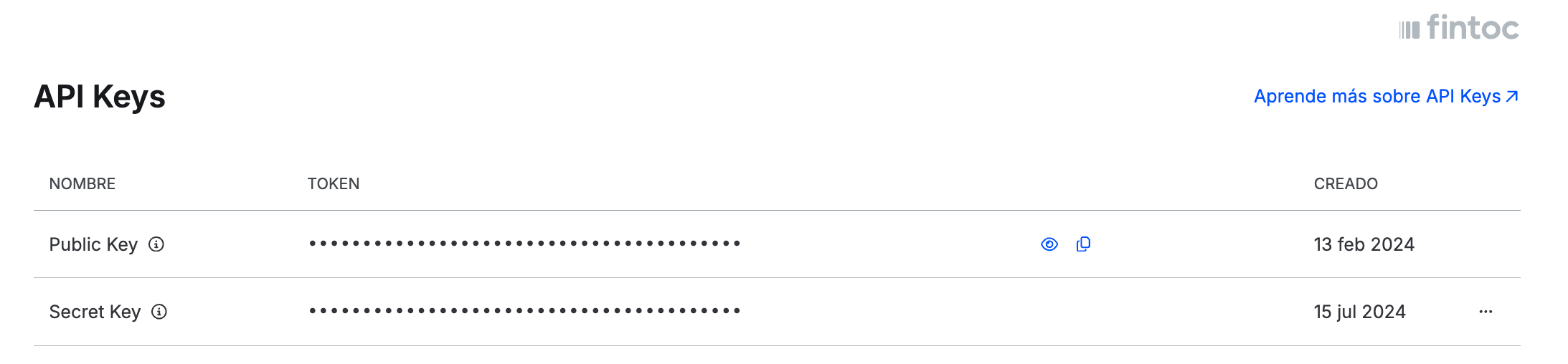
- Setup the Live API Keys in your backend
- Set up new webhooks to keep your application in sync with Fintoc
checkout_session.finished, checkout_session.expired, payment_intent.succeeded and payment_intent.failed. Check out our Webhooks Guide to understand how Fintoc’s webhooks work and how you can configure your Webhook endpoints.
- Make sure to follow our UX Guidelines
- Correctly handle webhook-related edge cases
- Specify the account where you want to receive payouts
- Bank Name
- Account Type
- Account Number
- RUT
- Notifications Email
- Company Name
- Bank Name
- CLABE
- RFC
- Notifications Email
- Company Adress
- Perform Certification Tests
- Ask your Sales Executive to activate Live mode on your account. You must be able to launch the widget in this mode. If you wish, you can conduct the tests on a development site, but always using the Live mode credentials and making real payments.
- Have your webhook endpoints configured in Live mode.
- Complete a successful payment using Fintoc.
Expected results:- You can correctly initiate a Checkout Sessionand display the widget. If your payment flow requires the user to input their RUT (in CL) or phone number (in MX) before the payment, the widget is deployed with the username field pre-filled
- After finishing the payment flow, you correctly redirect the end user to a confirmation page on your site
- Your system registers the payment as successful and the rest of your processes are triggered (for example, sending a confirmation email)
- Create a new Checkout Session and close the widget before authorizing the payment.
Expected results:- Your front end redirects the end user to a page where they can retry the payment or choose another payment method.
- Your system registers the payment as failed using webhooks
- Simulate a Checkout Session where the end user authorizes the transaction in their banking app and closes the tab immediately after.
Expected results:- Your system registers the payment as successful after receiving the confirmation webhook.
- The rest of your processes are triggered (for example, sending a confirmation email)
- Simulate a payment that results in a pending status
Expected Results:- Your system registers the payment as pending after recieving the
checkout_session.finishedwebhook with a pending final status - A message is shown to the end user indicating the payment has not been confirmed yet
- You can decide how to handle the rest of the payment flow according to your business requirements and our pending payments guide
- Your system registers the payment as pending after recieving the
- Go Live