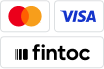
Buttons, Sistema de Pagos Electrónicos Interbancarios (SPEI) and card logos, and accepted terminology for presenting bank transfer, card, and cash payments.
Accepted terminology:Paga con transferencia or Paga con SPEI or Paga con transferencia SPEI for bank transfers, Tarjeta de crédito o débito for cards, and Paga en efectivo for cashSupporting images: SPEI logo for bank transfers and Visa + Mastercard logos for Tarjeta de crédito o débitoReference Fintoc assets directly with the provided URLs. For example:
Refrain from downloading our assets for useWe recommend using the direct URLs to our assets instead. This way, you’ll always have the latest versions without needing to make updates whenever Fintoc changes in the future.
If you have more space available, we recommend using the isotype with the SPEI logo. Fintoc provides a single image you can reference. Use the terminology Paga con transferencia or Paga con SPEI or Paga con transferencia SPEI.
If you display the full logos of other brands, use the full Fintoc logo. Use the terminology Paga con transferencia or Paga con SPEI or Paga con transferencia SPEI.
Add the credit or debit card payment button that matches your checkout configuration:Example of checkout button on light and dark modes following the guidelines:
Image
Description
HTML
Horizontal logos to use with the text “Tarjeta de crédito o débito”
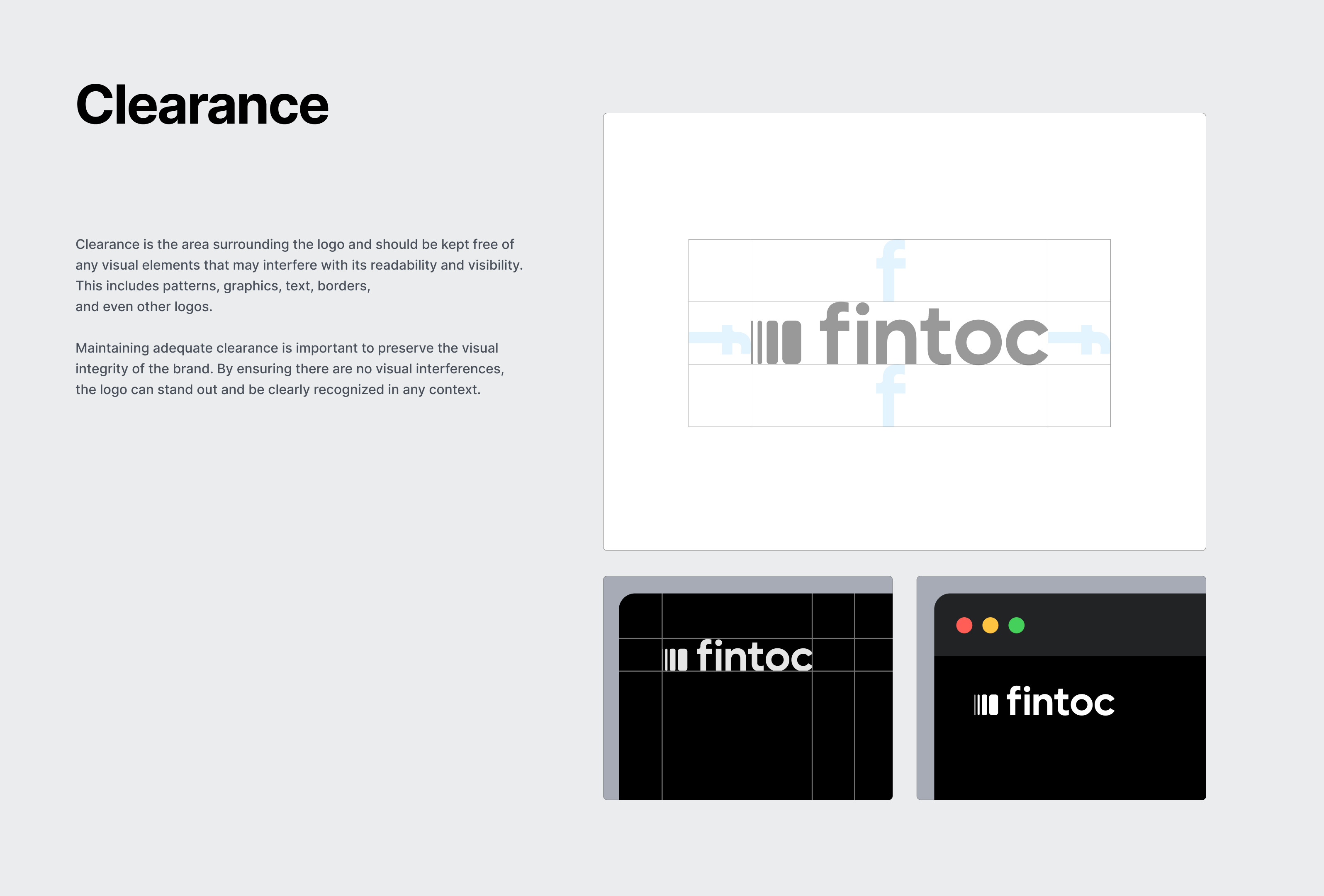
To show your users that you work with Fintoc, display the Fintoc logo.Fintoc provides two URLs that you can embed in your website or app. Leave the recommended safe space around the logo.
If you have access to your user’s payment information, such as their telephone number, you can pre-fill the relevant field. Your users can still edit the field. Pre-filling avoids extra steps.
Use our widget guide to get more information on how to pre-fill the username field.
When opening the widget, don’t redirect users to a new page as this will create new friction points for your users. Instead, keep them in your app or website and open the widget on top and overlay your current screen.
Avoid repeating navigation elements. Fintoc already includes navigation in the widget, so users can move through the payment flow without duplicate controls.
Fintoc handles recoverable errors inside the widget. For final-state errors, use error_reason to explain why the transaction failed and guide your user to retry. See Payment Intent Error Reason for the full list of reasons.Ask your user to retry with the required changes. Tell them that no money moved because the payment failed.
After a payment succeeds, show what happens next in your website or app. Common use cases include:
P2P transfers: Show a confirmation that the money was sent and update the account balance.
Fintech wallets or investments: Show the account screen with the new balance.
E-commerce: Show a confirmation screen with the amount paid, billing details, purchased products, address, delivery date, or next steps.
A cash payment stays pending after your user gets the payment voucher, until they pay at the store. Tell your user that the purchase is confirmed once they pay. Do not show a fixed payment deadline: the voucher expires when the Checkout Session expires.
Was this page helpful?
Assistant
Responses are generated using AI and may contain mistakes.