

test and live modes.
To use the Fintoc API, you need your secret key. To instantiate the Fintoc widget, you need your public key. To manage your API keys, open the dashboard.
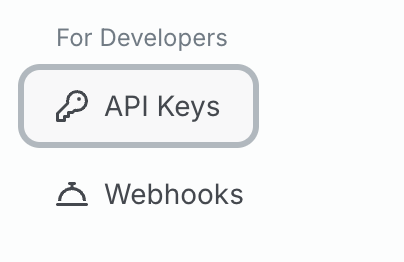
In the dashboard, open the API keys page:
live mode. To switch, use the mode toggle to select test mode:
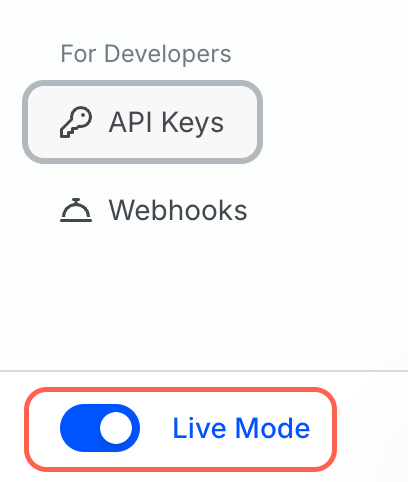
test mode. Otherwise, use the API keys shown in live mode.
When an API key is available, select the eye button beside it to reveal the key:
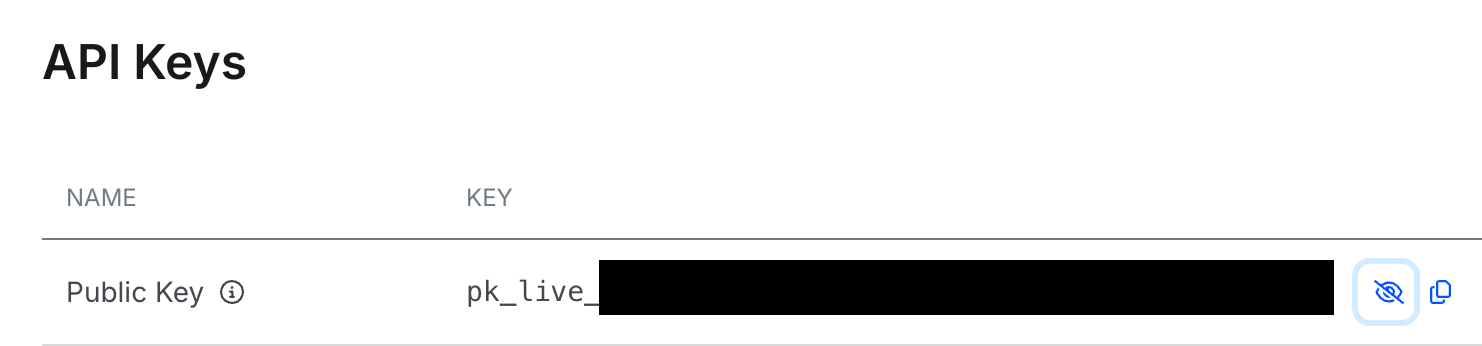
The eye button beside an API key reveals it
sk_. Public keys start with pk_.
You can access both your public key and secret key for test mode at any time with the eye or copy buttons.
For live mode, you can always access the public key. The dashboard displays the secret key only when you activate or rotate it, so store it securely in your backend when the key appears.
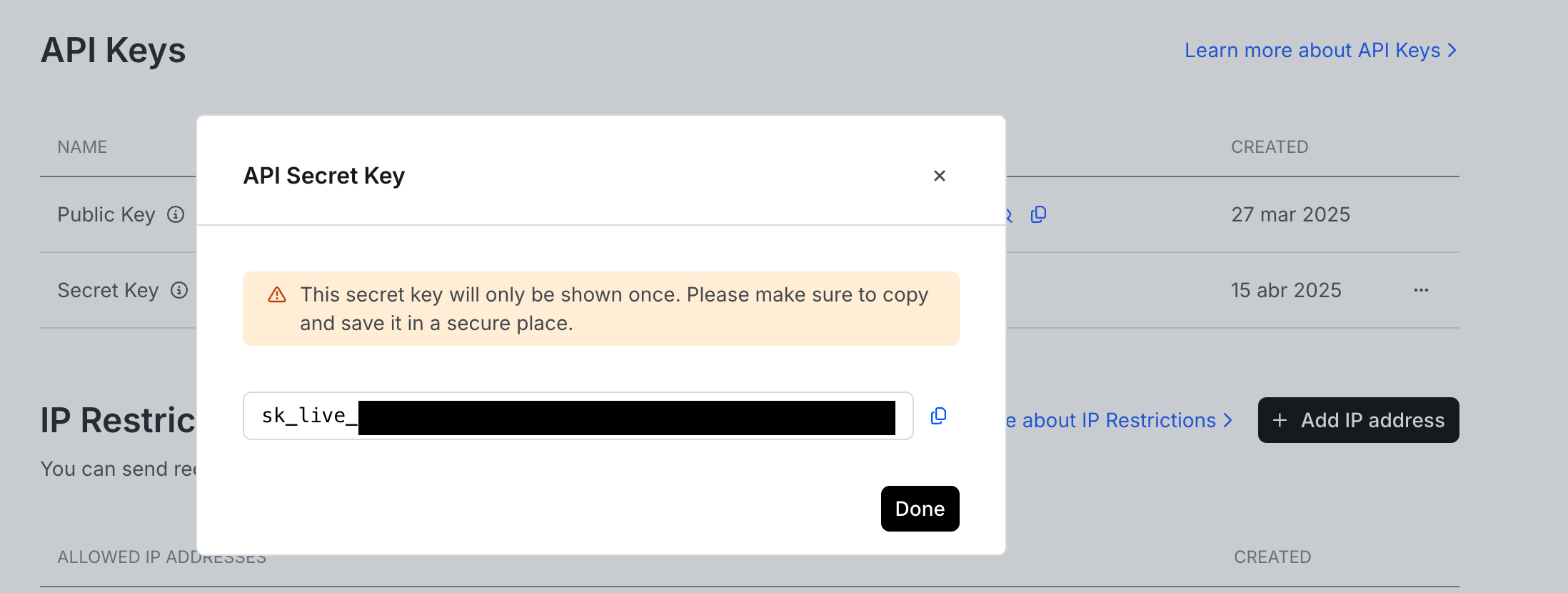
Rotate or revoke a live secret key
We recommend that you rotate your secret key for live mode at least once per year. To rotate the key, click Create secret key to create a new key. Update your backend to use the new key, then revoke the old key. To revoke a key, select the three-dot menu on the right side of the table and click Revoke. Revoking a key takes effect immediately and cannot be undone.
You can only rotate or revoke live secret keys. The three-dot menu does not appear for test mode keys or public keys.
If your secret key is exposed
If yourlive secret key is exposed, create a new secret key, update your backend to use the new key, and revoke the exposed key right away. For the full steps, see If your secret key is exposed.
If your test mode secret key is exposed, it does not affect your live operations. You cannot rotate or revoke test keys.